Ls command in Linux
ls command mostly usable command in Linux. ls command tells us all the presenting files in the directory.
Ls command Provide Information About Files Which Present inside the directory. By default, Provide current directory Information in alphabetical order.
Syntax
ls [OPTION]... [FILE]...
Options
ls -a: Mean all Files Show Inside Terminal.

ls -A: Mean almost all File But Do not Show . And .. Files.

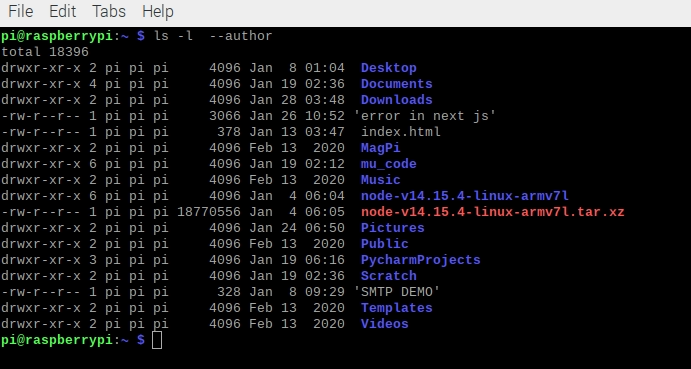
ls -l --author: this Command Work With -l Flag Or Option, and it prints out the author information of each file.
ls -b: the ls command prints C-style escape characters in your terminal.

ls --block-size=SIZE: This Flog Convert Your File With Different Size.Example Megabyte, kilobyte, and Other soo.
- ls -l –-block-size=K : Convert File To Kilobyte
- ls -l –-block-size=M : Convert File To Megabyte
ls -c : this Flag Give You Output Recently modify files. This Option Never Be Work With -l Flag.

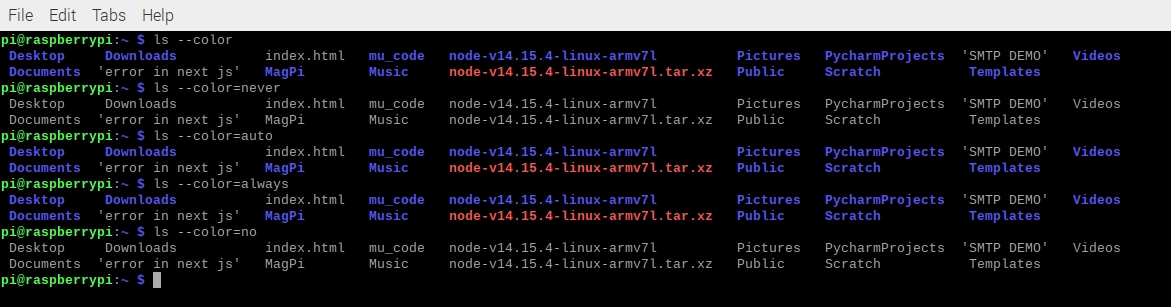
ls --color[=WHEN] : Show Output With Colorize. The default can always be auto. if Stop This You Use never.
- ls –color=never
- ls –color=auto
- ls-color=always
- ls-color=yes
- ls-color=force
- ls-color=no
- ls-color=tty
- ls-color=if-tty
ls -G : Print list Without Group Names.

ls -h or ls --human-readable : Print Output with -l and -s. Show File Sizes In CMD like 1K 234M 2G.
ls -i or ls --inode : print the index number of each file In Your Cmd.

ls -k or ls --kibibytes : this Flag Show You Block Size Of Each File. By default, Each Block Size is 1024-byte.-k Flag Working With -s Flag.
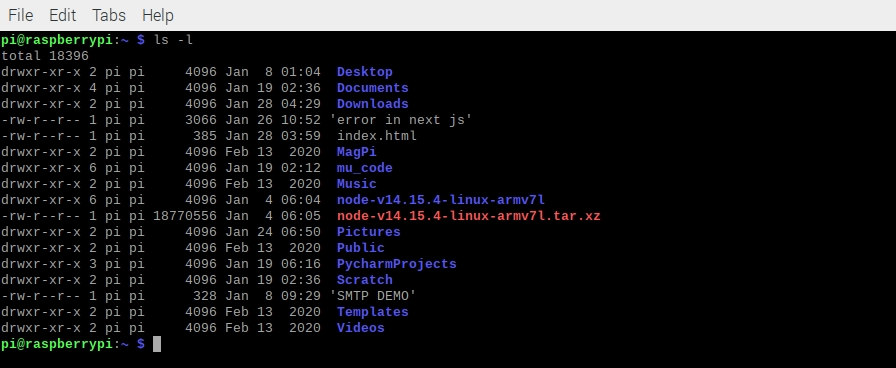
ls -l : Print long listing Information format Pattern Inside Your Cmd.
ls -m : m flag Show comma-separated list of entries Files.

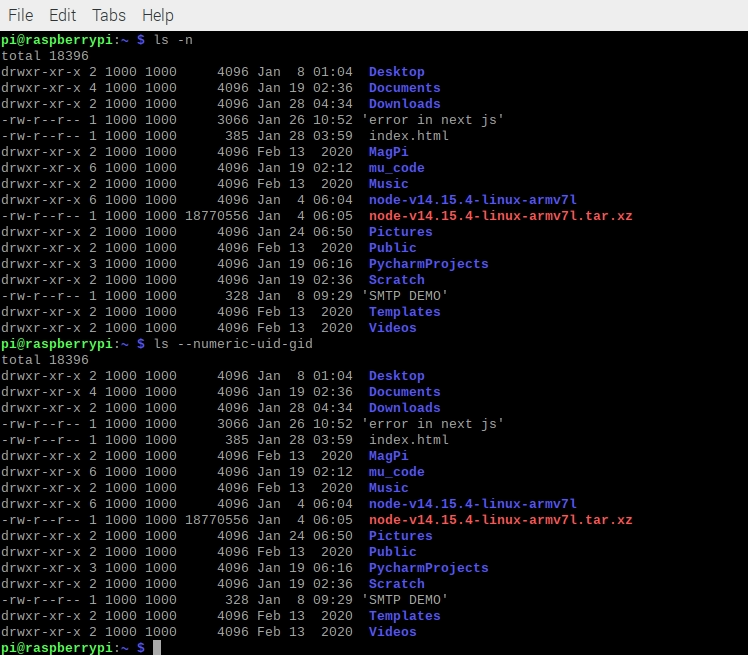
ls -n or ls --numeric-uid-gid : Show you numeric user and group ids.
ls -N : -N Flag print File names without comma-separated or quoting( , ).

ls -o : Print Information Without List Group Information.
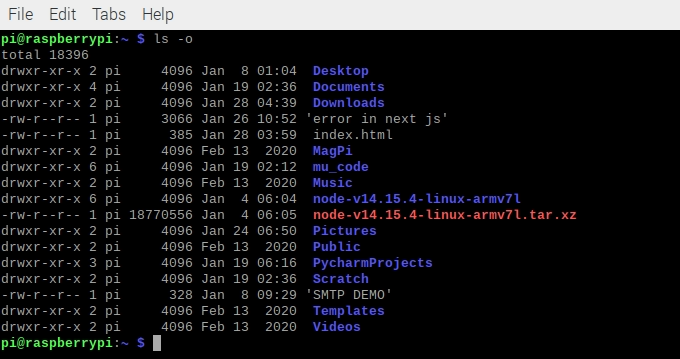
ls -p or ls --indicator-style=slash : append Slash / After Your directories Files Name.
Note: Indicate- style Work Same Or Note
--indicator-style arguments are:
- ‘none’
- ‘slash’
- ‘file-type’
- ‘classify_’_

ls -Q or ls --quote-name : Show Your File Name With double-quotes.

ls --quoting-style=escape : use this flag to Style you are quoting Inside Your Terminal
More arguments are
- literal
- shell
- shell-always
- shell-escape
- shell-escape-always
- c
- c-maybe
- escape
- Locale
- clocale
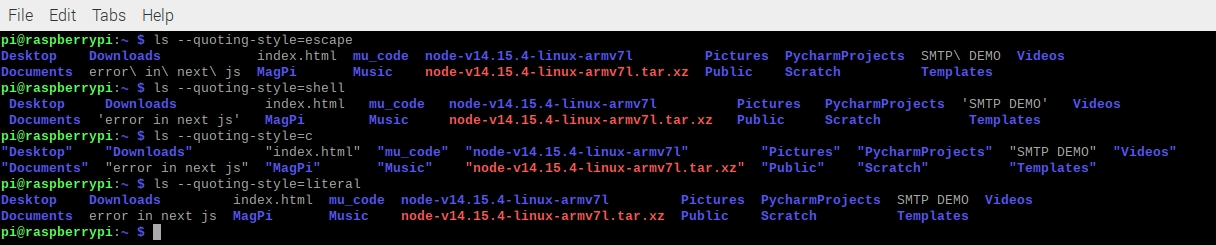
ls -r or ls --reverse : Print reverse order Your Files (z to a)

ls -R or ls --recursive : print Your All Files With subdirectories Files.
ls -s or ls --size : Print Size of each file With blocks Form.

ls -S : Sort by File Size, Largest First.
--sort=’none’ : Sort Your File, Base On Arguments Like time and size Read More Valid More Arguments are:
- ‘none’
- ‘time’
- ‘size’
- ‘extension’
- ‘version’

ls -t: Sort Your File Base On Modification Time and Newest Create First.

ls -X: sort Your File Base On alphabetically.

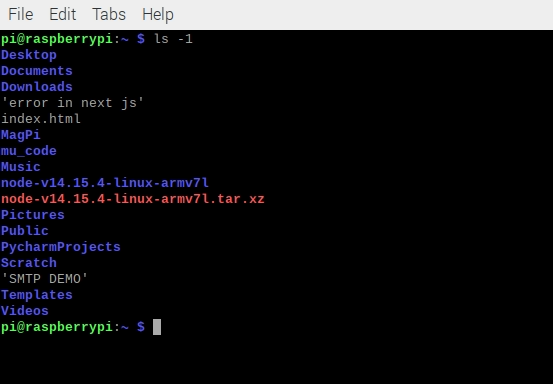
ls -1: Print list one file per line.
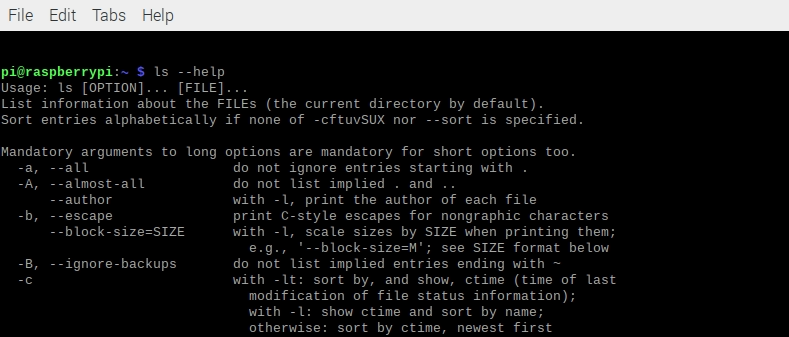
ls --help: display document About ls Command.
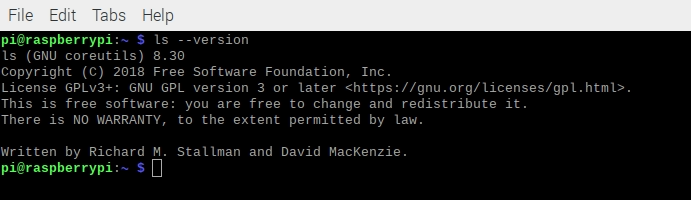
ls --version: Print Ls Command Version.
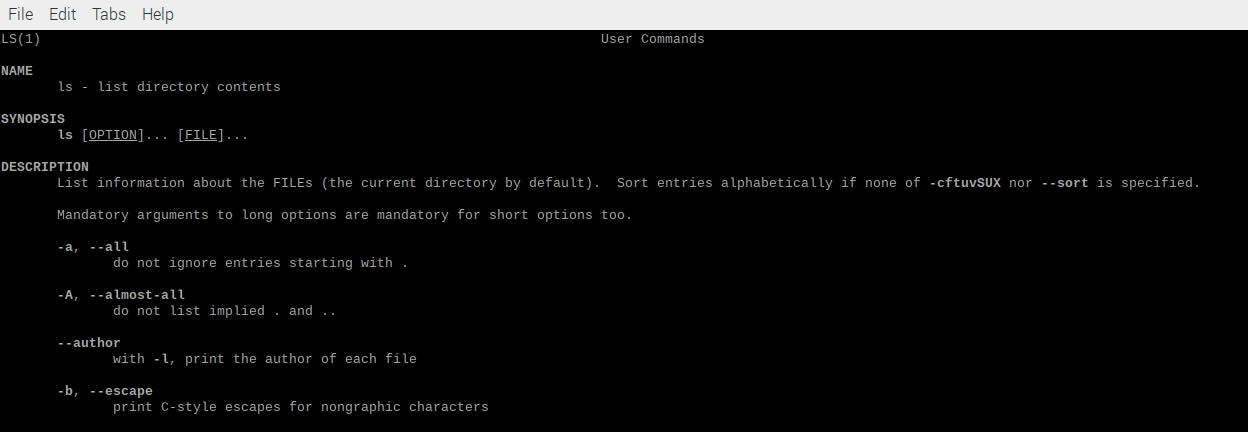
ls -man: Check Your Manual Page Use -man Command.
Related Articles
Recommended based on topic, title, and author
Have a project or question?
Feel free to reach out for business inquiries, questions, or collaboration.