mkdir Command in Linux
use mkdir creates an empty director inside Linux
mkdir Command helps create new directories if the directory present already doesn’t create new directories and gives a warning message inside the terminal.
Syntax
mkdir [OPTION]... DIRECTORY...
Command Options
mkdir -m=Mode linuxBook-m Option help to assign new permission on creating time (Like in chmod)
Mode Options:
- rwx: read-write execute permission on this file
- wx: only write execute permission on this file
- rx: only Read execute permission on this file
- rw: only Read execute permission on this file

mkdir -p or mkdir --parents -p option does not show an error if the directory exists. Also, the directory that exists then overwrites your directory. Your directory does not exist, then create a new directory.

mkdir -v or mkdir --verbose check working behind mkdir command and print a message in the terminal after each created directory

mkdir --help display this help and exit
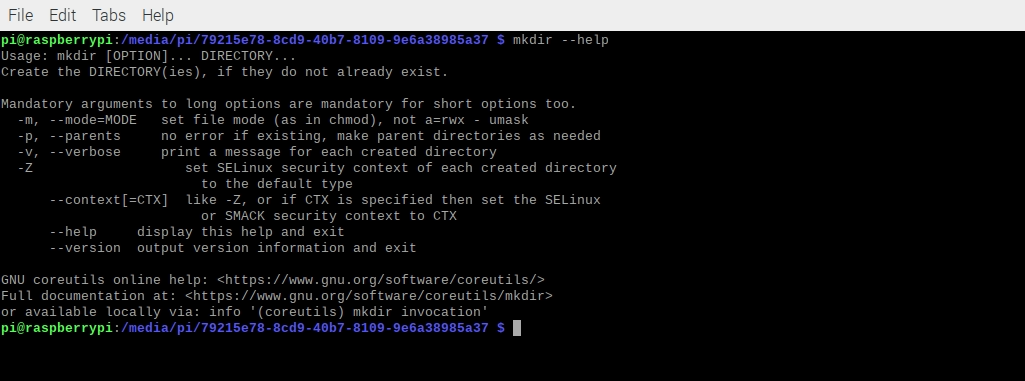
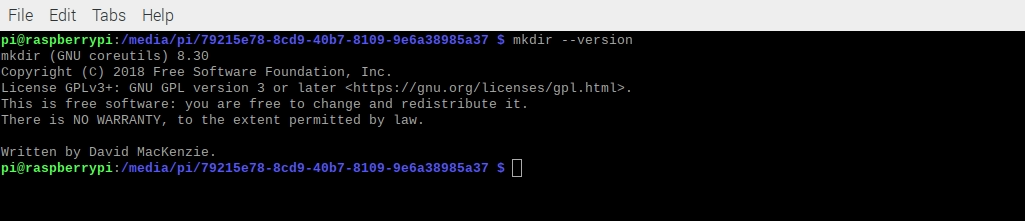
mkdir --version output mkdir command version information.
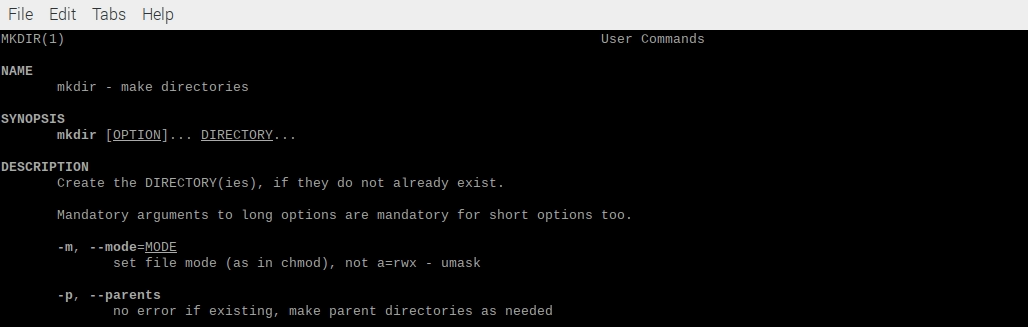
man mkdir print mkdir manual page Information Inside Your Cmd Tool.
Related Articles
Recommended based on topic, title, and author
Have a project or question?
Feel free to reach out for business inquiries, questions, or collaboration.