pwd Command in Linux
The pwd command prints the current working directory in Linux.
PWD command full name means of Print Working Directory. It prints the path of the current working directory, starting from the root.
PWD is an environment variable that stores the path of the current working directory.
Syntax
pwd [options]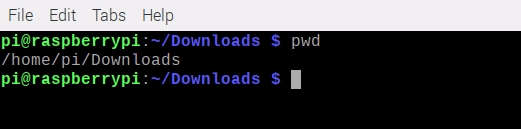
Options
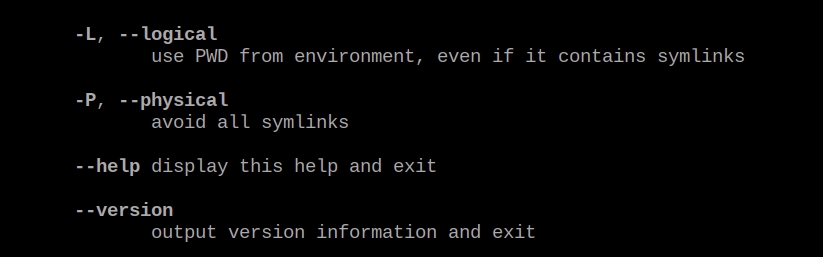
- pwd -L: Use PWD from the environment, even if it contains symbolic links.
- pwd -P: Avoid all symbolic links.
pwd -L and pwd -P flag option work with Ls Command.
- pwd --help: pwd help flag display help page inside your Cmd Tool.

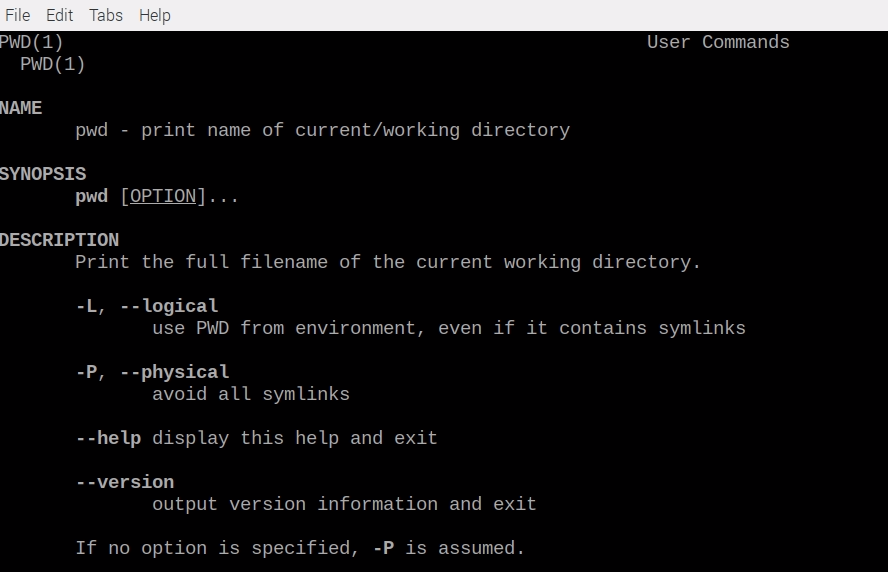
- man pwd: Read pwd Manual Page Use with -man Command.
Conclusion
pwd command only uses for the print current working directory path. If you have any questions or feedback, feel free to leave a comment below.
Related Articles
Recommended based on topic, title, and author
Have a project or question?
Feel free to reach out for business inquiries, questions, or collaboration.