what is man command in linux?
Man Command help to Read Manual Page Inside the Terminal.
Man Command Provide the user manual Interface. This Interface Help To Read Manual Page references of Any Command Inside Your Terminal.
Syntax
man [OPTION]... [COMMANDS]...Example:
man lsResult:
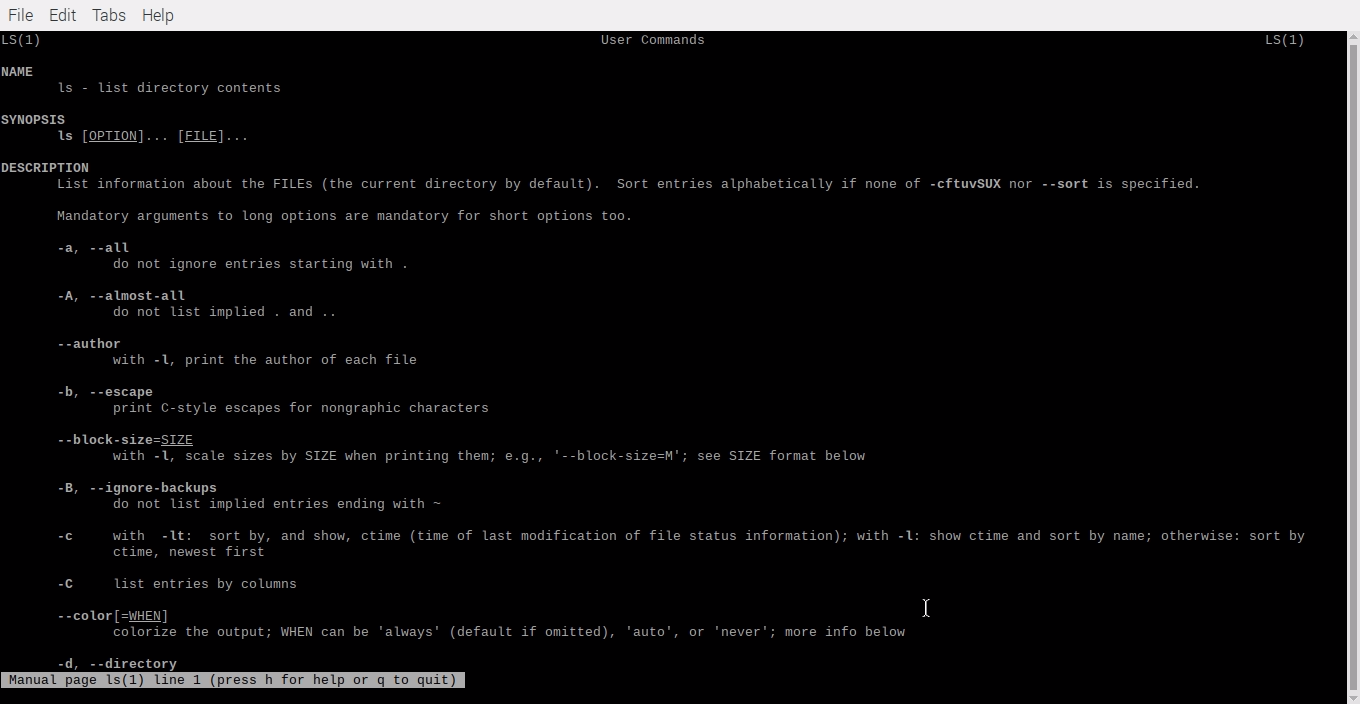
- Press q inside your terminal. You Quit The Command And Return.
- Press h Read Summary of Commands
Options
man -w
This Flag Doesn’t display any manual pages but prints the locations Of Command, Which Place Save Inside Your Laptop.

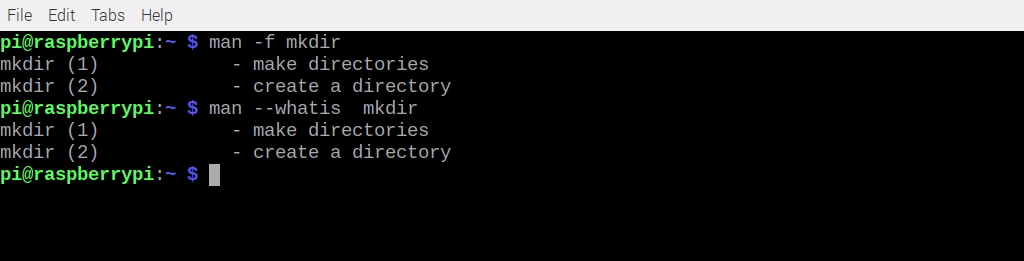
man -f or man --whatis
This Flag Show You a short description from the manual page if a Description is available.
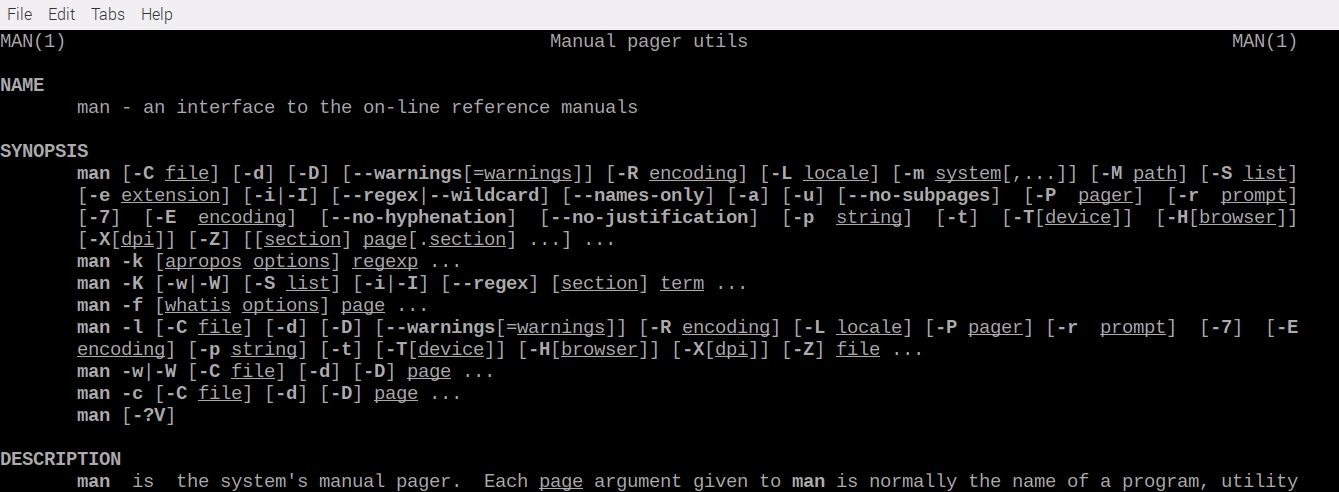
man man
this way, You Read also man Command Manual Page Information.
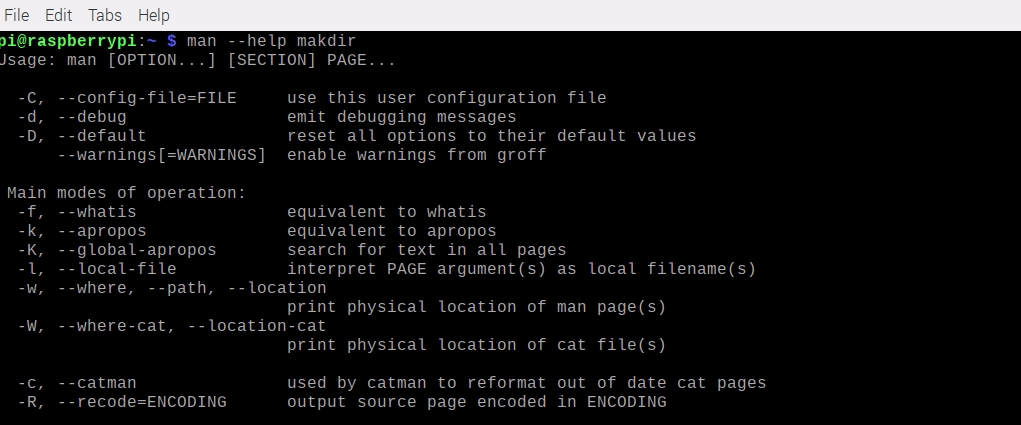
man --help
This Flag Provides You help page document About man Command.
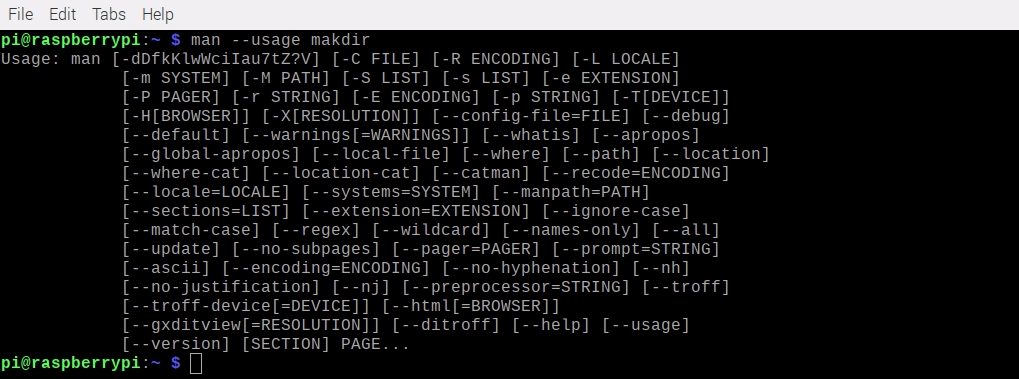
man --usage
This Flag gives you a short usage message about the Command.
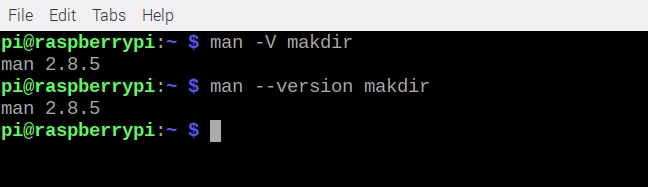
man -V or man --version
This Flag print man Command version In You Terminal.
Note
- Man Command Provide Lots Off option We Recommend You Visit Command Man Page for Learn More
- Quit man Command simple use q for quit or Exit Command.use Keyboard arrow keys use For Scroll Page up for page up↑ and down for page down↓ keys.
Related Articles
Recommended based on topic, title, and author
Have a project or question?
Feel free to reach out for business inquiries, questions, or collaboration.